
Closed Monday, 8 June 2026 — Observing the King’s Birthday Public Holiday

Closed Monday, 8 June 2026 — Observing the King’s Birthday Public Holiday

admin

by admin | Jun 2, 2026

As part of our commitment to supporting local staff and community wellbeing, VirtualCity Pty Ltd will be closed on Monday, 8 June 2026 to observe the King’s Birthday public holiday.

We’ll reopen for normal trading hours on Tuesday, 9 June 2026, ready to assist with PC and Mac sales, service bookings, and tech support. 

💡 Why We Pause for Public Holidays

Public holidays are a chance to recharge, spend time with family, and celebrate the community we serve. We appreciate your understanding and look forward to helping you with upgrades, repairs, and advice once we’re back in store.

🛠️ Need Assistance While We’re Closed?

You can still:

  • Browse our product range online

  • Submit service requests via our website contact form

  • Schedule post‑holiday appointments for PC builds or troubleshooting

We’ll respond promptly when we return on Tuesday.

🏁 From the VirtualCity Team

Thank you for your continued support of a local Nowra business. Enjoy the long weekend, stay safe, and we’ll see you after the holiday!

Office 365 vs LibreOffice vs OpenOffice — Which One Should You Use in 2026?

Office 365 vs LibreOffice vs OpenOffice — Which One Should You Use in 2026?

admin

by admin | Jun 1, 2026

Choosing the right office suite can make a huge difference in productivity, compatibility, and long‑term cost. Whether you’re a student, home user, or small business in Nowra, the big question remains: Should you pay for Microsoft Office 365, or switch to a free alternative like LibreOffice or OpenOffice?

Here’s a clear, practical comparison to help you decide.

🧰 1. Functionality Comparison

Microsoft Office 365 (Microsoft 365)

Office 365 remains the industry standard for productivity. It includes:

  • Word

  • Excel

  • PowerPoint

  • Outlook

  • OneNote

  • Teams

  • OneDrive cloud storage

  • SharePoint (business plans)

Strengths:

  • Best compatibility with other users and organisations

  • Real‑time collaboration

  • Cloud syncing across devices

  • AI‑powered features (Microsoft Copilot, design suggestions, predictive typing)

  • Professional‑grade tools for business and education

Ideal for:

Businesses, students, remote workers, and anyone who needs seamless compatibility.

LibreOffice (Free & Open Source)

LibreOffice is the strongest free alternative, actively updated and widely used.

Includes:

  • Writer

  • Calc

  • Impress

  • Draw

  • Base

  • Math

Strengths:

  • Completely free

  • Excellent offline performance

  • Strong for basic to intermediate document work

  • Frequent updates and active community

Limitations:

  • Formatting can break when opening complex Word/Excel files

  • Limited collaboration tools

  • No built‑in cloud storage

  • No Teams‑style communication

Ideal for:

Home users, students on a budget, and anyone who doesn’t need advanced collaboration.

Apache OpenOffice (Free & Open Source)

OpenOffice was once the leading free alternative, but development has slowed dramatically.

Strengths:

  • Free

  • Simple interface

  • Good for basic documents

Limitations:

  • Very slow update cycle

  • Weaker compatibility with modern Office formats

  • Lacks many features found in LibreOffice

  • Not recommended for business use

Ideal for:

Very basic home use or older systems.

💵 2. Pricing Comparison (Australia, 2026)

Microsoft Office 365 / Microsoft 365 (Official Australian Pricing)

According to Microsoft’s Australian store:

  • Microsoft 365 Personal: AU$159/year or AU$16/month

  • Microsoft 365 Family (up to 6 users): AU$179/year or AU$18/month

  • Microsoft 365 Premium: AU$329/year or AU$33/month

Business plans (AUD):

  • Business Basic: AU$8.20/user/month

  • Business Standard: AU$17.20/user/month

  • Business Premium: AU$30.20/user/month

These plans include cloud storage, Teams, Outlook, and ongoing updates.

LibreOffice (AUD)

  • Free

  • Optional donations

  • No subscription required

Apache OpenOffice (AUD)

  • Free

  • No subscription

  • No paid features

🥇 3. Which One Should You Choose?

Choose Office 365 if you:

  • Need perfect compatibility with others

  • Work in a business environment

  • Use Teams, Outlook, or OneDrive

  • Want AI‑powered tools

  • Collaborate regularly

Choose LibreOffice if you:

  • Want a powerful free alternative

  • Mostly work offline

  • Don’t need advanced collaboration

  • Are comfortable with occasional formatting differences

Choose OpenOffice if you:

  • Only need basic document editing

  • Prefer a simple interface

  • Are using an older computer

🏁 Final Thoughts

For most customers — especially businesses, students, and remote workers — Microsoft Office 365 remains the best all‑round choice in 2026. Its compatibility, cloud features, and AI tools make it hard to beat.

However, LibreOffice is a fantastic free option for everyday home use, and OpenOffice still works for very basic tasks.

If you’re unsure which one suits your needs, drop into the shop or message us — we’re always happy to help you choose the right tools for your workflow.

Compact Power for Home & Business — MSI Cubi 5 NUCs Now Available

Compact Power for Home & Business — MSI Cubi 5 NUCs Now Available

admin

by admin | May 25, 2026

Small footprint. Big performance. Endless possibilities.

If you’ve been looking for a compact, quiet, energy‑efficient computer that still packs enough power for work, study, business, or home use, the MSI Cubi 5 NUC lineup has officially landed — and they’re proving to be one of the most versatile mini‑PC solutions of 2026.

Whether you’re upgrading an ageing desktop, fitting out a small office, or building a clean, minimalist home setup, the Cubi 5 delivers impressive performance in a form factor that fits in the palm of your hand.

🖥️ What Makes the MSI Cubi 5 So Good?

Despite their tiny size, Cubi 5 systems are built with the same Intel‑powered architecture you’d expect from a full desktop tower — just without the noise, heat, or space requirements.

Key Benefits:

  • Ultra‑compact design — perfect for desks, kiosks, reception areas, and classrooms

  • Low power consumption — ideal for businesses wanting to reduce energy costs

  • Silent operation — great for home offices and study environments

  • VESA‑mountable — hide it behind a monitor for a clean, cable‑free workspace

  • Reliable Intel performance — smooth multitasking for everyday workloads

These machines are especially popular with small businesses, medical practices, retail counters, and anyone wanting a clutter‑free setup.

Perfect for Work, Study & Everyday Use

The Cubi 5 is built for real‑world tasks:

  • Office apps (Word, Excel, MYOB, Xero)

  • Web browsing & email

  • Video calls & remote work

  • Media streaming

  • Light creative work

  • POS systems & digital signage

If you don’t need a full gaming tower or workstation, the Cubi 5 gives you everything you need — without the bulk.

🛠️ Why We Chose to supply the MSI Cubi 5

We’ve tested a lot of mini PCs over the years, and the Cubi 5 stands out for three reasons:

1. Reliability

MSI’s build quality is consistently strong, and these units run cool and stable even under load.

2. Upgradeability

Despite the small size, you can still upgrade:

  • RAM

  • Storage (NVMe or SATA SSD)

This makes them a great long‑term investment.

3. Versatility

From home offices to retail counters, from classrooms to workshops — the Cubi 5 fits anywhere.

🛍️ Pre-Order Now — Ready to Set Up or Customise

Pre-orders for the MSI Cubi 5 units now available, with options for:

  • Pre‑configured systems

  • Custom RAM & SSD upgrades

  • Windows setup & optimisation

  • Business fleet deployment

  • Mounting & cable‑management solutions

If you’re not sure which configuration suits your needs, we can help match the right system to your workload.

🧰 Perfect Add‑Ons for Cubi 5 Owners

To complete your setup, we recommend:

  • Wireless keyboard & mouse combos

  • 1080p or 1440p monitors

  • USB‑C docking stations

  • VESA monitor arms

  • Surge‑protected power boards

These accessories help you get the most out of your new mini PC.

If you’ve been thinking about upgrading your home or office computer, now is the perfect time. The MSI Cubi 5 offers incredible value, excellent performance, and a footprint so small you’ll forget it’s even there.

Drop into the store, message us, or give us a call — we’re happy to help you choose the right configuration.

Remote Access Scams Are Rising — Here’s How to Stay Protected

Remote Access Scams Are Rising — Here’s How to Stay Protected

admin

by admin | May 18, 2026

One of the fastest‑growing scams in Australia right now involves criminals trying to gain remote access to a customer’s computer. These scammers often pretend to be from Telstra, NBN, Microsoft, or a bank, claiming there’s a problem with your internet or account.

How the Scam Works

Scammers will:

  • Call unexpectedly

  • Claim your device is infected or your bank account is at risk

  • Ask you to install remote access software

  • Attempt to access your online banking

Once inside your computer, they can see everything you type — including passwords.

How 2FA Helps Protect You

If you have two‑factor authentication (2FA) enabled with your bank, you’re already one step ahead. Even if a scammer gains access to your device, they still can’t log in without the unique code sent to your phone or authenticator app.

2FA can:

  • Block unauthorised logins

  • Prevent fraudulent transfers

  • Give you time to recognise something is wrong

  • Stop scammers even if they have your password

Golden Rule

No legitimate company will ever ask for remote access to your computer out of the blue. If in doubt, hang up and call the company they say they are from directly.

VirtualCity is always happy to check your device in‑store if you’re unsure.

AIO Liquid Coolers in 2026 — Are They Worth It?

AIO Liquid Coolers in 2026 — Are They Worth It?

admin

by admin | May 11, 2026

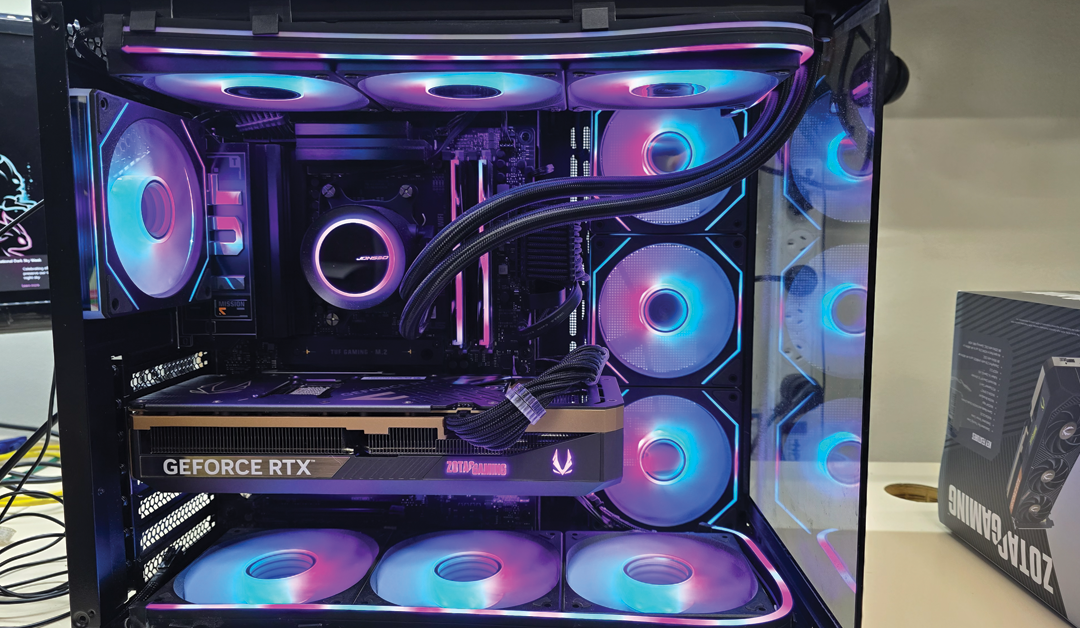
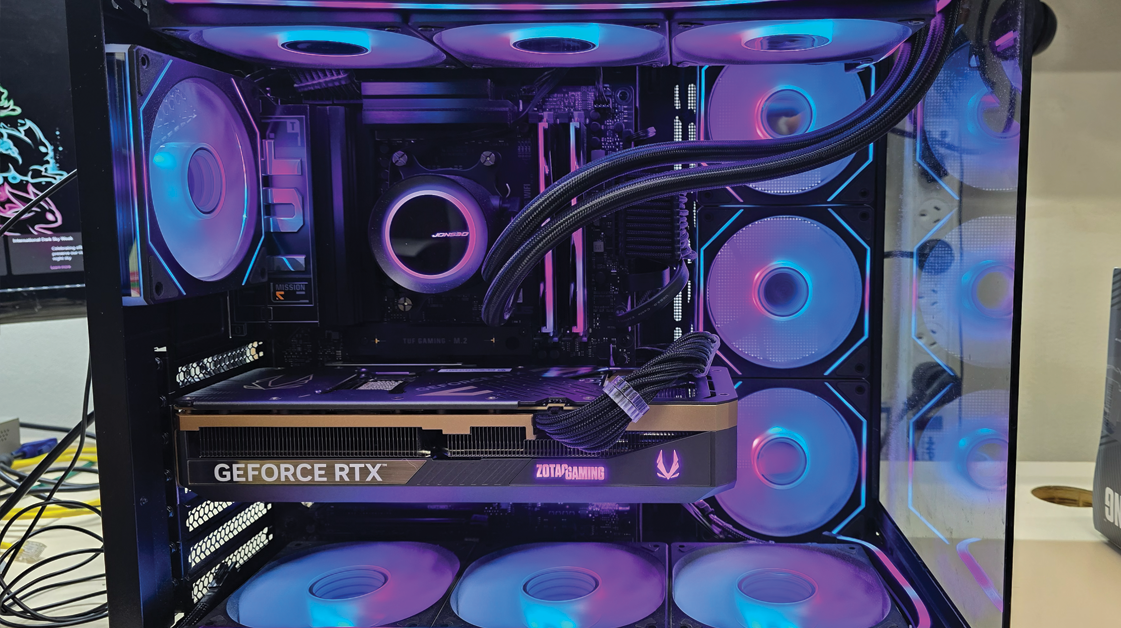
All‑in‑one (AIO) liquid coolers have become one of the most popular upgrades for gaming PCs and high‑performance workstations — and for good reason. As modern CPUs run hotter due to increased core counts and AI‑assisted workloads, cooling has never been more important.

Why AIO Coolers Are So Effective

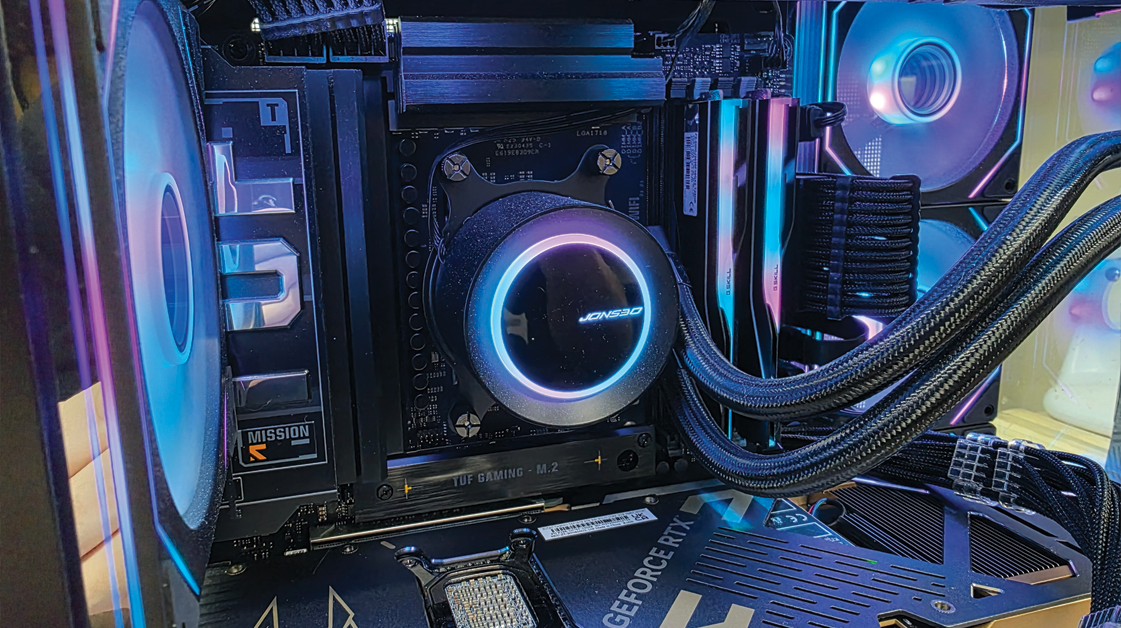
AIOs offer superior heat dissipation compared to traditional air coolers. With a radiator, pump, and fans working together, they can move heat away from the CPU far more efficiently. This results in:

  • Lower temperatures under heavy load

  • Reduced thermal throttling

  • More stable performance during gaming or rendering

  • Longer component lifespan

AIOs Are Quieter Than Ever

Modern AIOs use improved pump designs and low‑noise fans, making them ideal for users who want high performance without the constant hum of a large air cooler.

Are They Right for You?

AIOs are perfect for:

  • Gamers running high‑end CPUs

  • Creators using Adobe, Blender, or DaVinci Resolve

  • Users wanting a clean, modern aesthetic

  • Anyone wanting better temps without custom water cooling

If you’re unsure which size (120mm, 240mm, 360mm) suits your case, we can help you choose the right fit.