The 2026 GPU Market Shake‑Up: What AMD, NVIDIA & Intel Are Changing This Year

The 2026 GPU Market Shake‑Up: What AMD, NVIDIA & Intel Are Changing This Year

Core Tech & Hardware

by admin | Jul 13, 2026

The Quick Takeawy

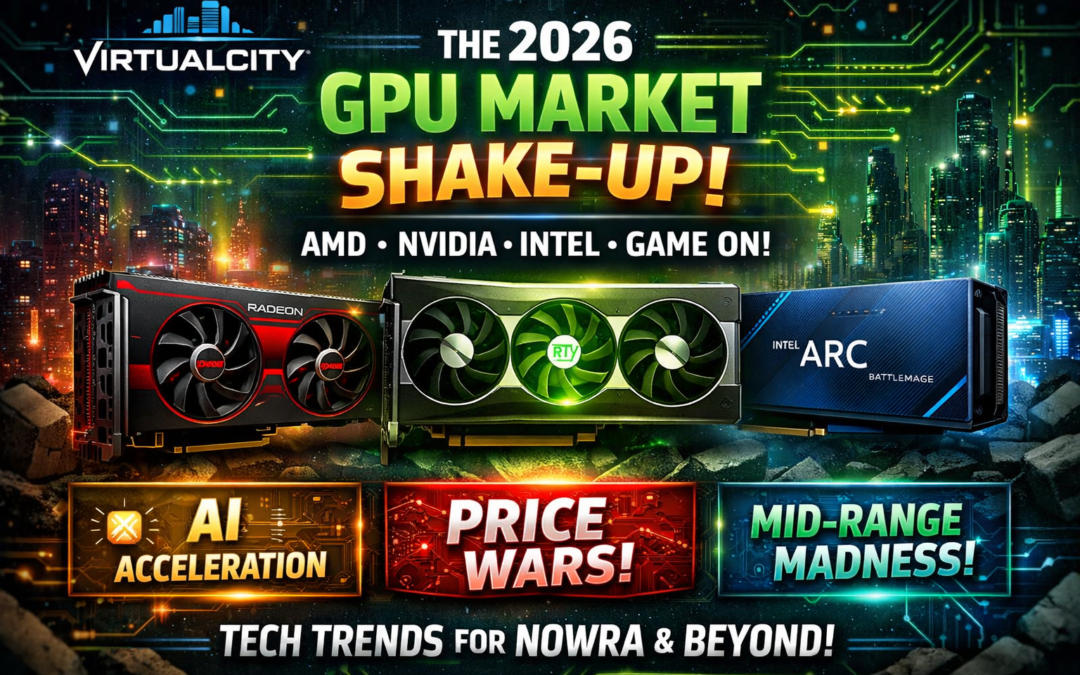
2026 is the first year in a long time where all three GPU giants—AMD, NVIDIA, and Intel—are disrupting the market at the same time. Prices are shifting, architectures are evolving, and AI‑centric features are no longer “nice to have”—they’re the battleground.

If you’re hardware‑curious, building a PC, or just love watching the silicon chess match unfold, this year is a big one.

NVIDIA: Double Down on AI, Efficiency & "Super" Refreshes

NVIDIA’s 2026 strategy is clear:
AI is the product. Gaming is the bonus.

Key Moves This Year

  • "Super" refreshes across the 50-series
    Expect higher clocks, better memory bandwidth, and more aggressive pricing to counter AMD’s momentum.
  • AI‑accelerated everything
    NVIDIA is pushing new Tensor‑driven features for creators, streamers, and productivity users—not just gamers.
  • DLSS 4 refinements
    Improved frame generation, better latency handling, and smarter upscaling for older titles.

What It Means for You

NVIDIA wants to stay the premium choice, but they’re also feeling pressure.

2026 is the first time in years where they’re not the automatic recommendation for every budget.

AMD: Zen-Era Confidence & RDNA 4 Price Disruption

AMD enters 2026 with swagger. After strong CPU wins and a surprisingly competitive GPU lineup in 2025, they’re pushing harder.

What’s New

  • RDNA 4 mid‑range dominance
    AMD is targeting the sweet spot: 1080p and 1440p gamers who want value without compromise.
  • FSR 4 improvements
    Better temporal stability, cleaner edges, and more consistent frame generation.
  • Lower BOM (bill of materials) = lower prices
    AMD is aggressively undercutting NVIDIA in the $400–$900 AUD range.

Why It Matters

If you’re building a gaming PC in 2026, AMD is the brand forcing everyone else to rethink pricing. They’re not trying to win the halo crown—they’re trying to win the market.

Intel: Battlemage Grows Up

Intel’s third year in the GPU arena is the most important yet. Battlemage wasn’t perfect, but it proved Intel is serious.

2026 Highlights

  • Celestial architecture lands late 2026
    Promising better ray tracing, more stable drivers, and improved AI acceleration.
  • Driver maturity finally catching up
    Intel’s biggest weakness is becoming a strength—frequent updates, better game support, fewer weird bugs.
  • Budget GPU disruption
    Intel is targeting the $200–$400 AUD segment where NVIDIA barely competes and AMD dominates.

The Big Question

Can Intel become the “default budget GPU” the way Ryzen became the default budget CPU? 2026 will tell.

The Real Battle: AI Acceleration & Frame Generation

This year isn’t just about raw raster performance. The new battlegrounds are:

  • AI upscaling quality

  • Frame generation latency

  • Driver‑level AI tools for creators

  • On‑GPU AI compute for local LLMs

NVIDIA still leads, but AMD and Intel are catching up faster than expected.

Pricing Trends in 2026 (Australia‑Friendly Insights)

Here’s what we’re seeing across the industry:

  • High‑end GPUs are stabilising
    $2,000+ cards aren’t climbing higher (thankfully).
  • Mid‑range is where the action is
    AMD and Intel are pushing prices down; NVIDIA is reacting.
  • Entry‑level GPUs are finally worth buying again
    Intel’s pressure is forcing competition.

For Nowra and Shoalhaven GPU market, this is the best mid‑range GPU market we’ve had in years.

What This Means for GPU Market so far in 2026

If you’re planning a new purchase:

For Gaming

  • 1440p: AMD is the value king
  • 4K: NVIDIA still rules
  • 1080p: Intel is becoming shockingly viable

For Creators

  • NVIDIA’s AI tools still give them the edge
  • AMD is improving fast
  • Intel is the wildcard

For Everyday Users

  • Integrated graphics are getting better
  • Entry‑level GPUs are no longer a rip‑off
  • AI‑accelerated features are becoming standard

Final Thoughts

2026 is the most exciting GPU year since the original RTX launch. All three companies are innovating, competing, and—most importantly—giving consumers real choice again.

Whether you’re gaming, creating, or just love tinkering with hardware, this is a brilliant year to be paying attention.
GPU Reinstallation, USB Fault & LED Fix After a Cross‑Country Move

GPU Reinstallation, USB Fault & LED Fix After a Cross‑Country Move

Core Tech & Hardware

by admin | Jun 8, 2026

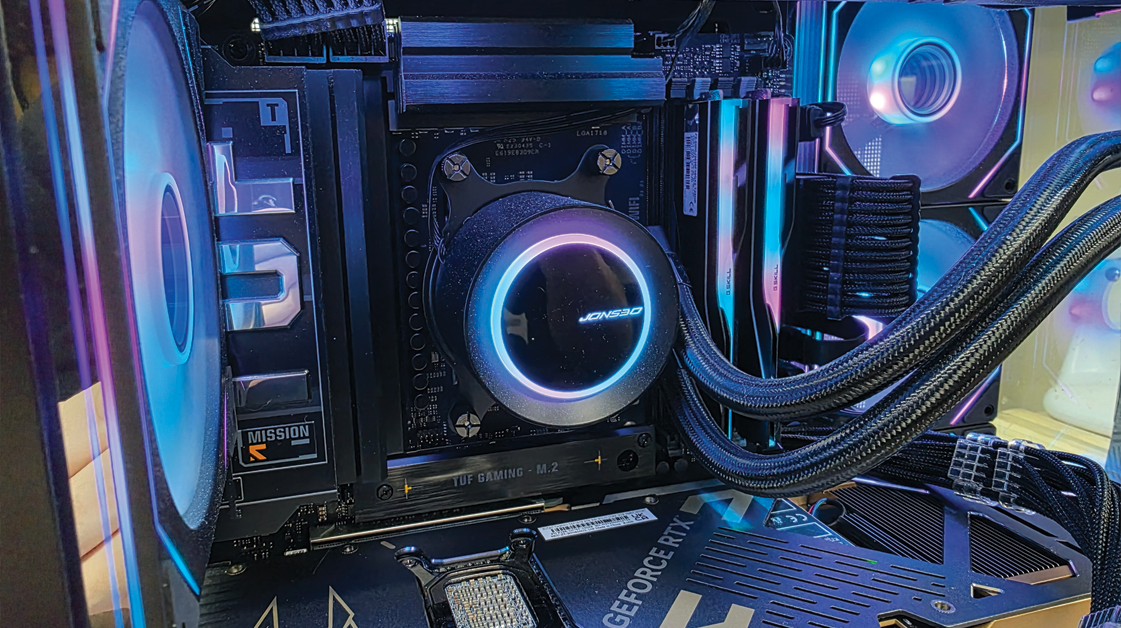
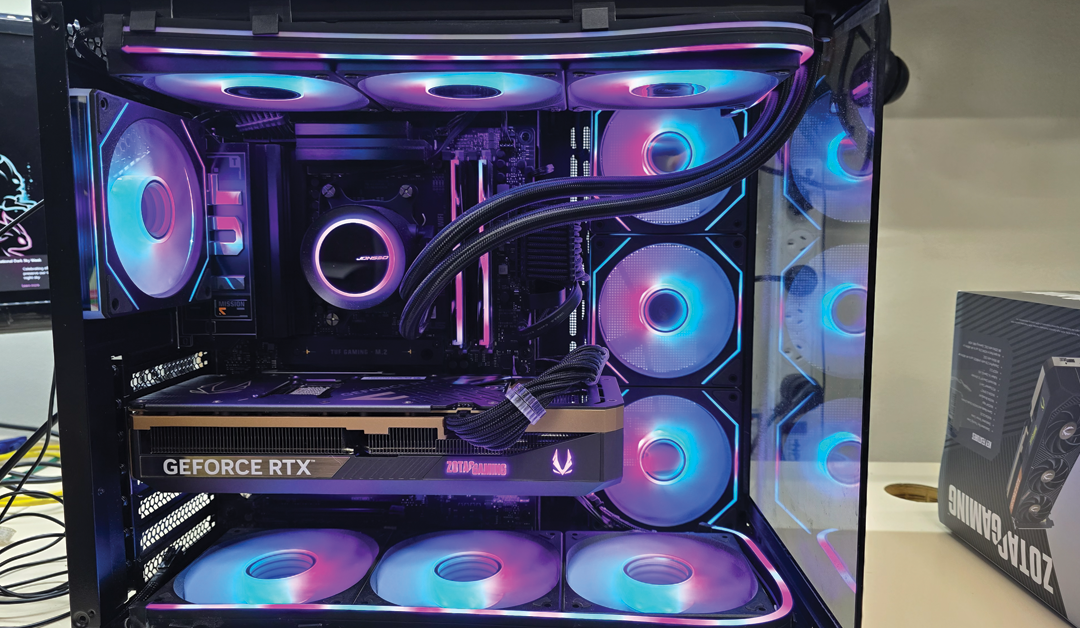
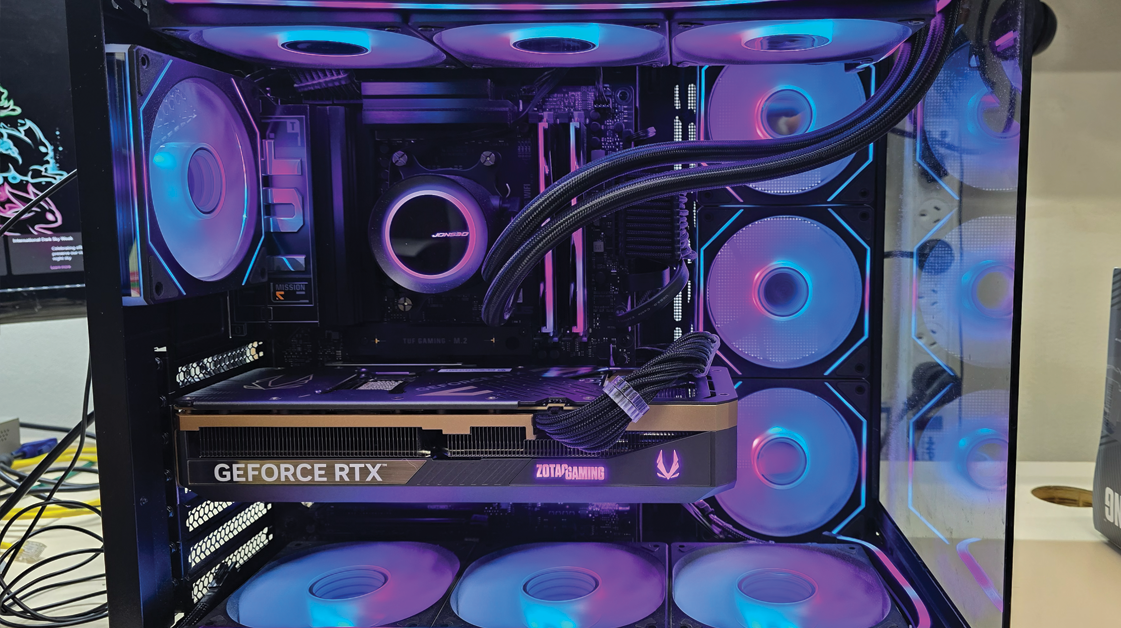
Moving a high‑end PC across the country can introduce a few unexpected hiccups, especially when it’s travelled all the way from Western Australia to the Shoalhaven. This week, a customer brought her system into our Nowra workshop after unpacking it post‑move. She’d removed her GeForce RTX 5080 beforehand — a smart precaution — and asked us to reinstall it. She also reported two issues:

  • Several rear USB ports weren’t working

  • The bottom LED strip inside the case was facing sideways instead of upward

What followed was a thorough diagnostic and tune‑up to get everything back to perfect working order.

Step 1: USB Port Diagnosis & Repair

We began by entering the system BIOS to confirm that all USB ports and controllers were enabled. With that verified, we moved on to software‑level checks, ensuring there were no missing or incorrect chipset or USB drivers that could be contributing to the issue.

Next, we tested the affected bottom row of rear USB ports. After reseating and verifying internal connections, all ports in the problem section responded correctly. To be certain the issue was fully resolved, we tested multiple USB devices to rule out any device‑specific inconsistencies. Everything passed without fault.

Step 2: Reinstalling the RTX 5080 & General System Clean

With USB functionality restored, we turned our attention to the GPU installation. The GeForce RTX 5080 was carefully seated, secured, and checked for proper alignment and power delivery.

While working inside the case, we also performed a general clean to improve airflow and overall presentation — a small step that can make a noticeable difference in long‑term system health.

Once the GPU was installed, we updated the NVIDIA drivers to version 596.36, ensuring the system had the latest performance optimisations and compatibility fixes. We also confirmed that all Windows Updates were fully up to date.

Step 3: Correcting the LED Strip Orientation

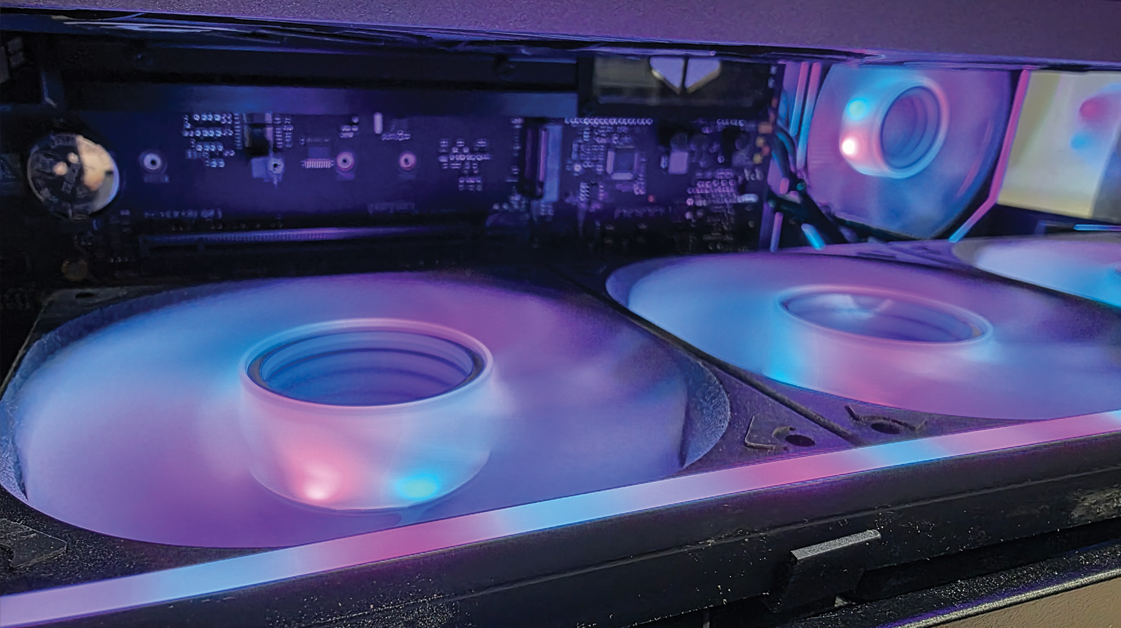
Finally, we addressed the customer’s lighting issue. The bottom LED strip had shifted during transport and was facing sideways, reducing its visibility from outside the case. We repositioned the strip so the lighting projected upward as intended, restoring a clean, even glow across the interior.

Final Result

After completing all diagnostics and adjustments, the PC left our workshop with:

  • Fully functioning rear USB ports

  • A correctly oriented LED strip

  • The RTX 5080 reinstalled and running the latest drivers

  • Improved internal cleanliness and airflow

  • GPU Drivers updated to the latest version

The system is now back in top condition and ready for gaming, creative work, or anything else the customer throws at it.

If you’ve recently moved house or transported your PC, it’s worth having it checked over. Even well‑packed systems can experience cable shifts, port issues, or lighting misalignment during transit. A quick inspection can prevent bigger problems down the road.

If your system needs attention, drop into our Nowra workshop — we’re always here to help keep your tech running smoothly.

Compact Power for Home & Business — MSI Cubi 5 NUCs Now Available

Compact Power for Home & Business — MSI Cubi 5 NUCs Now Available

Core Tech & Hardware

by admin | May 25, 2026

Small footprint. Big performance. Endless possibilities.

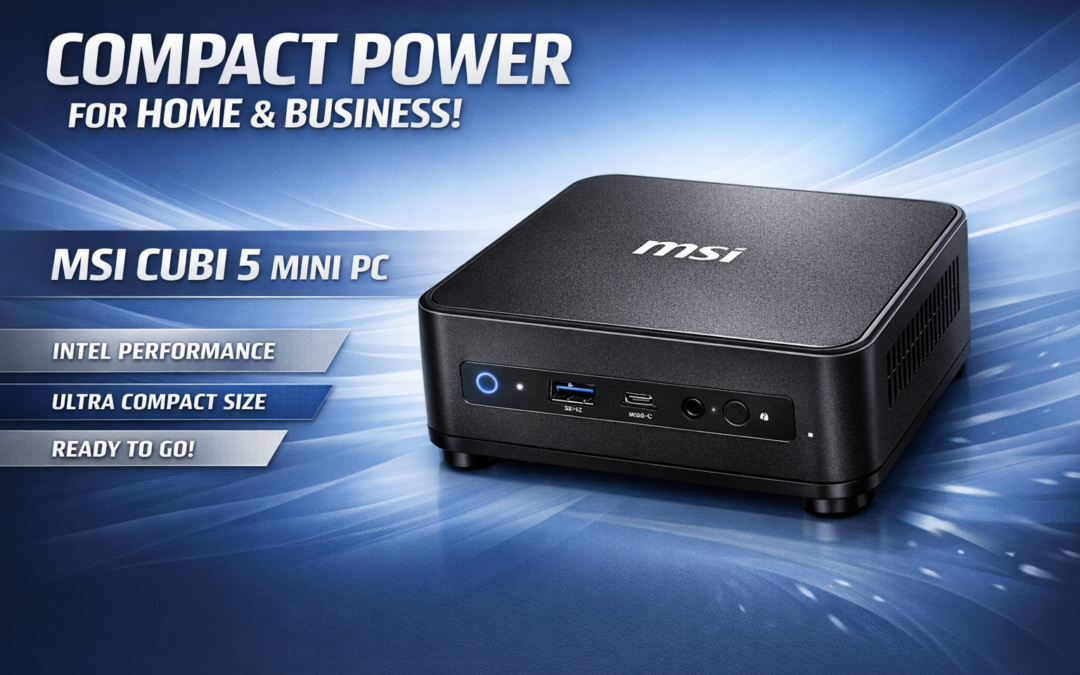
If you’ve been looking for a compact, quiet, energy‑efficient computer that still packs enough power for work, study, business, or home use, the MSI Cubi 5 NUC lineup has officially landed — and they’re proving to be one of the most versatile mini‑PC solutions of 2026.

Whether you’re upgrading an ageing desktop, fitting out a small office, or building a clean, minimalist home setup, the Cubi 5 delivers impressive performance in a form factor that fits in the palm of your hand.

🖥️ What Makes the MSI Cubi 5 So Good?

Despite their tiny size, Cubi 5 systems are built with the same Intel‑powered architecture you’d expect from a full desktop tower — just without the noise, heat, or space requirements.

Key Benefits:

  • Ultra‑compact design — perfect for desks, kiosks, reception areas, and classrooms

  • Low power consumption — ideal for businesses wanting to reduce energy costs

  • Silent operation — great for home offices and study environments

  • VESA‑mountable — hide it behind a monitor for a clean, cable‑free workspace

  • Reliable Intel performance — smooth multitasking for everyday workloads

These machines are especially popular with small businesses, medical practices, retail counters, and anyone wanting a clutter‑free setup.

Perfect for Work, Study & Everyday Use

The Cubi 5 is built for real‑world tasks:

  • Office apps (Word, Excel, MYOB, Xero)

  • Web browsing & email

  • Video calls & remote work

  • Media streaming

  • Light creative work

  • POS systems & digital signage

If you don’t need a full gaming tower or workstation, the Cubi 5 gives you everything you need — without the bulk.

🛠️ Why We Chose to supply the MSI Cubi 5

We’ve tested a lot of mini PCs over the years, and the Cubi 5 stands out for three reasons:

1. Reliability

MSI’s build quality is consistently strong, and these units run cool and stable even under load.

2. Upgradeability

Despite the small size, you can still upgrade:

  • RAM

  • Storage (NVMe or SATA SSD)

This makes them a great long‑term investment.

3. Versatility

From home offices to retail counters, from classrooms to workshops — the Cubi 5 fits anywhere.

🛍️ Pre-Order Now — Ready to Set Up or Customise

Pre-orders for the MSI Cubi 5 units now available, with options for:

  • Pre‑configured systems

  • Custom RAM & SSD upgrades

  • Windows setup & optimisation

  • Business fleet deployment

  • Mounting & cable‑management solutions

If you’re not sure which configuration suits your needs, we can help match the right system to your workload.

🧰 Perfect Add‑Ons for Cubi 5 Owners

To complete your setup, we recommend:

  • Wireless keyboard & mouse combos

  • 1080p or 1440p monitors

  • USB‑C docking stations

  • VESA monitor arms

  • Surge‑protected power boards

These accessories help you get the most out of your new mini PC.

If you’ve been thinking about upgrading your home or office computer, now is the perfect time. The MSI Cubi 5 offers incredible value, excellent performance, and a footprint so small you’ll forget it’s even there.

Drop into the store, message us, or give us a call — we’re happy to help you choose the right configuration.

AIO Liquid Coolers in 2026 — Are They Worth It?

AIO Liquid Coolers in 2026 — Are They Worth It?

Core Tech & Hardware

by admin | May 11, 2026

All‑in‑one (AIO) liquid coolers have become one of the most popular upgrades for gaming PCs and high‑performance workstations — and for good reason. As modern CPUs run hotter due to increased core counts and AI‑assisted workloads, cooling has never been more important.

Why AIO Coolers Are So Effective

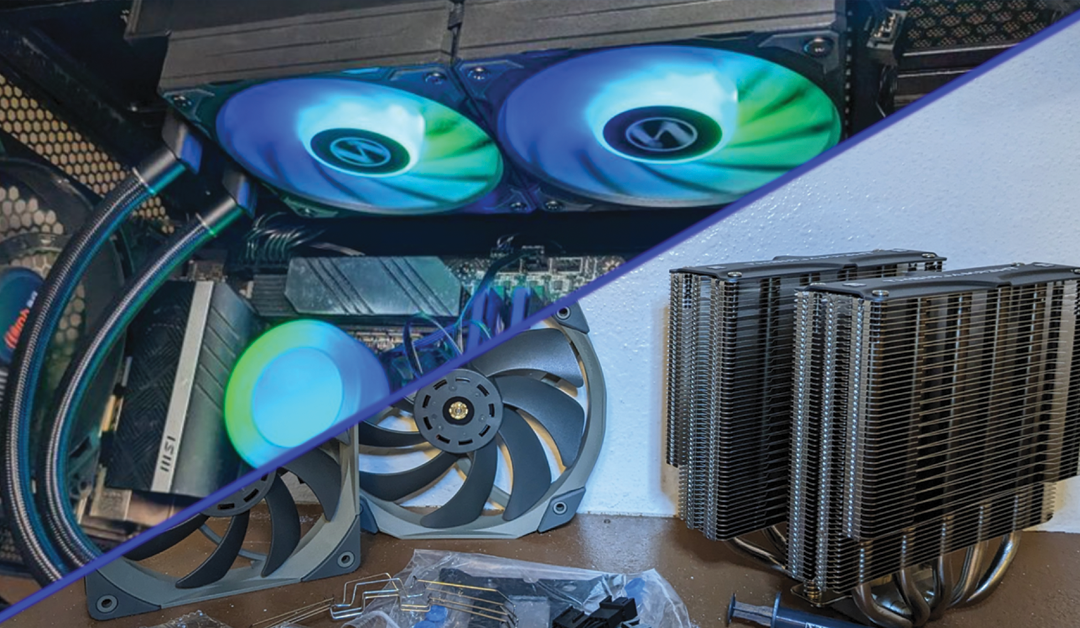
AIOs offer superior heat dissipation compared to traditional air coolers. With a radiator, pump, and fans working together, they can move heat away from the CPU far more efficiently. This results in:

  • Lower temperatures under heavy load

  • Reduced thermal throttling

  • More stable performance during gaming or rendering

  • Longer component lifespan

AIOs Are Quieter Than Ever

Modern AIOs use improved pump designs and low‑noise fans, making them ideal for users who want high performance without the constant hum of a large air cooler.

Are They Right for You?

AIOs are perfect for:

  • Gamers running high‑end CPUs

  • Creators using Adobe, Blender, or DaVinci Resolve

  • Users wanting a clean, modern aesthetic

  • Anyone wanting better temps without custom water cooling

If you’re unsure which size (120mm, 240mm, 360mm) suits your case, we can help you choose the right fit.