GPU Reinstallation, USB Fault & LED Fix After a Cross‑Country Move

Moving a high‑end PC across the country can introduce a few unexpected hiccups, especially when it’s travelled all the way from Western Australia to the Shoalhaven. This week, a customer brought her system into our Nowra workshop after unpacking it post‑move. She’d removed her GeForce RTX 5080 beforehand — a smart precaution — and asked us to reinstall it. She also reported two issues:
-
Several rear USB ports weren’t working
-
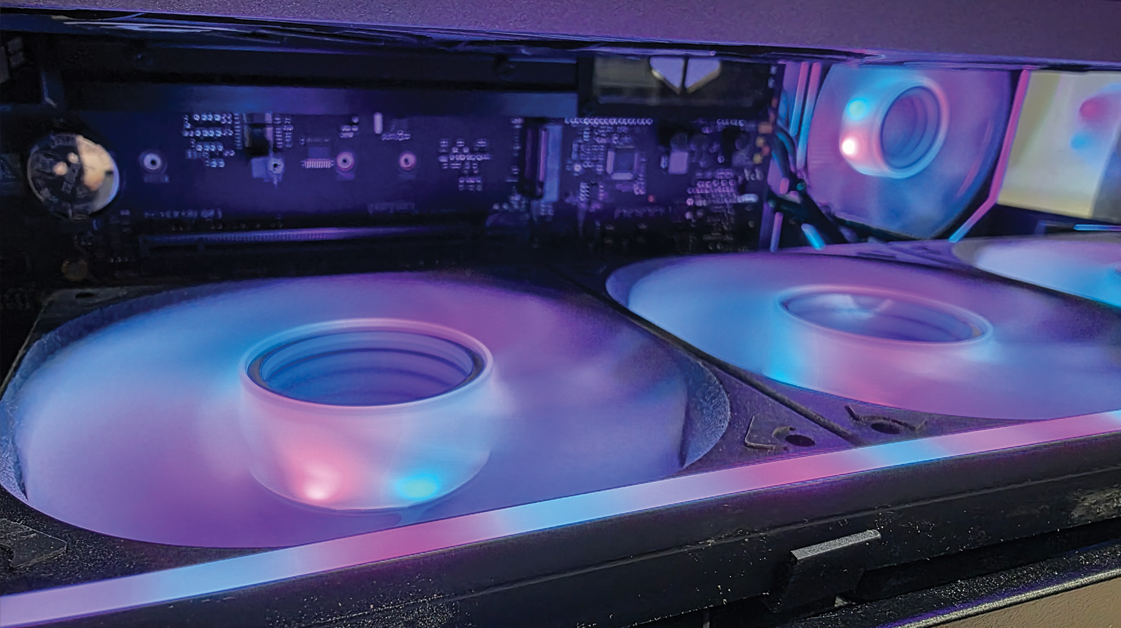
The bottom LED strip inside the case was facing sideways instead of upward
What followed was a thorough diagnostic and tune‑up to get everything back to perfect working order.
Step 1: USB Port Diagnosis & Repair
We began by entering the system BIOS to confirm that all USB ports and controllers were enabled. With that verified, we moved on to software‑level checks, ensuring there were no missing or incorrect chipset or USB drivers that could be contributing to the issue.
Next, we tested the affected bottom row of rear USB ports. After reseating and verifying internal connections, all ports in the problem section responded correctly. To be certain the issue was fully resolved, we tested multiple USB devices to rule out any device‑specific inconsistencies. Everything passed without fault.
Step 2: Reinstalling the RTX 5080 & General System Clean
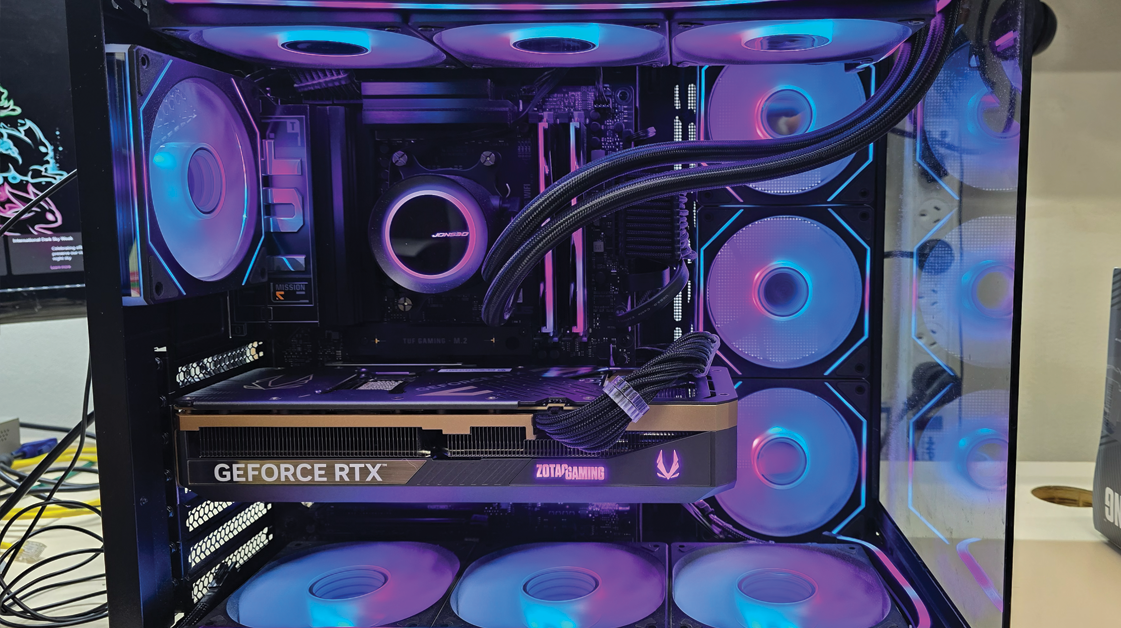
With USB functionality restored, we turned our attention to the GPU installation. The GeForce RTX 5080 was carefully seated, secured, and checked for proper alignment and power delivery.
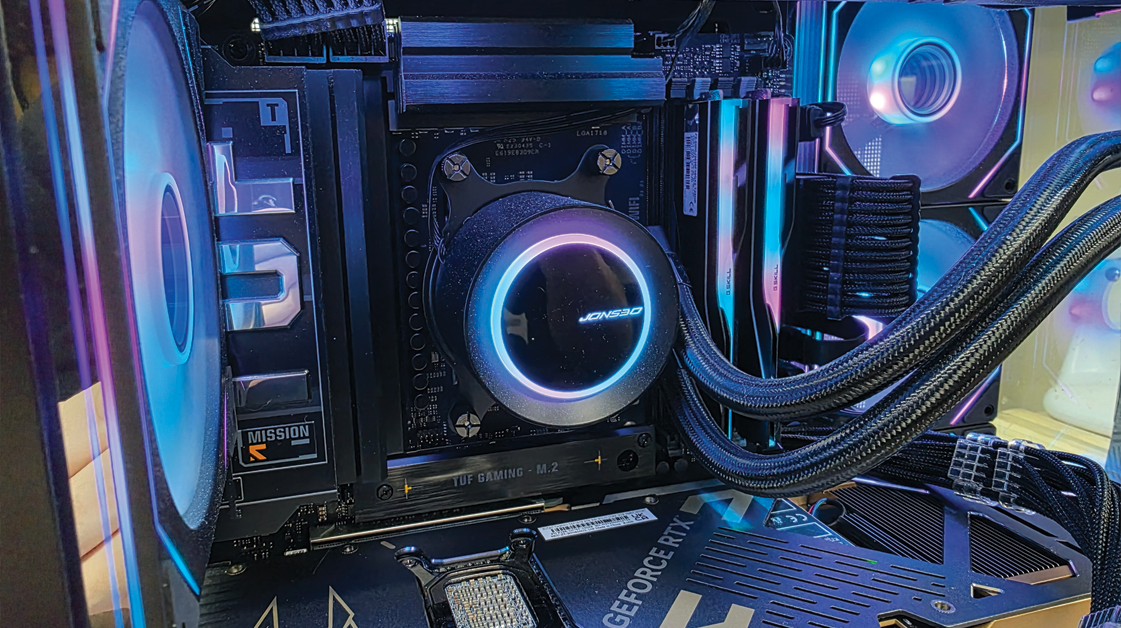
While working inside the case, we also performed a general clean to improve airflow and overall presentation — a small step that can make a noticeable difference in long‑term system health.
Once the GPU was installed, we updated the NVIDIA drivers to version 596.36, ensuring the system had the latest performance optimisations and compatibility fixes. We also confirmed that all Windows Updates were fully up to date.
Step 3: Correcting the LED Strip Orientation
Finally, we addressed the customer’s lighting issue. The bottom LED strip had shifted during transport and was facing sideways, reducing its visibility from outside the case. We repositioned the strip so the lighting projected upward as intended, restoring a clean, even glow across the interior.
Final Result
After completing all diagnostics and adjustments, the PC left our workshop with:
-
Fully functioning rear USB ports
-
A correctly oriented LED strip
-
The RTX 5080 reinstalled and running the latest drivers
-
Improved internal cleanliness and airflow
-
GPU Drivers updated to the latest version
The system is now back in top condition and ready for gaming, creative work, or anything else the customer throws at it.
If you’ve recently moved house or transported your PC, it’s worth having it checked over. Even well‑packed systems can experience cable shifts, port issues, or lighting misalignment during transit. A quick inspection can prevent bigger problems down the road.
If your system needs attention, drop into our Nowra workshop — we’re always here to help keep your tech running smoothly.