
Office 365 vs LibreOffice vs OpenOffice — Which One Should You Use in 2026?
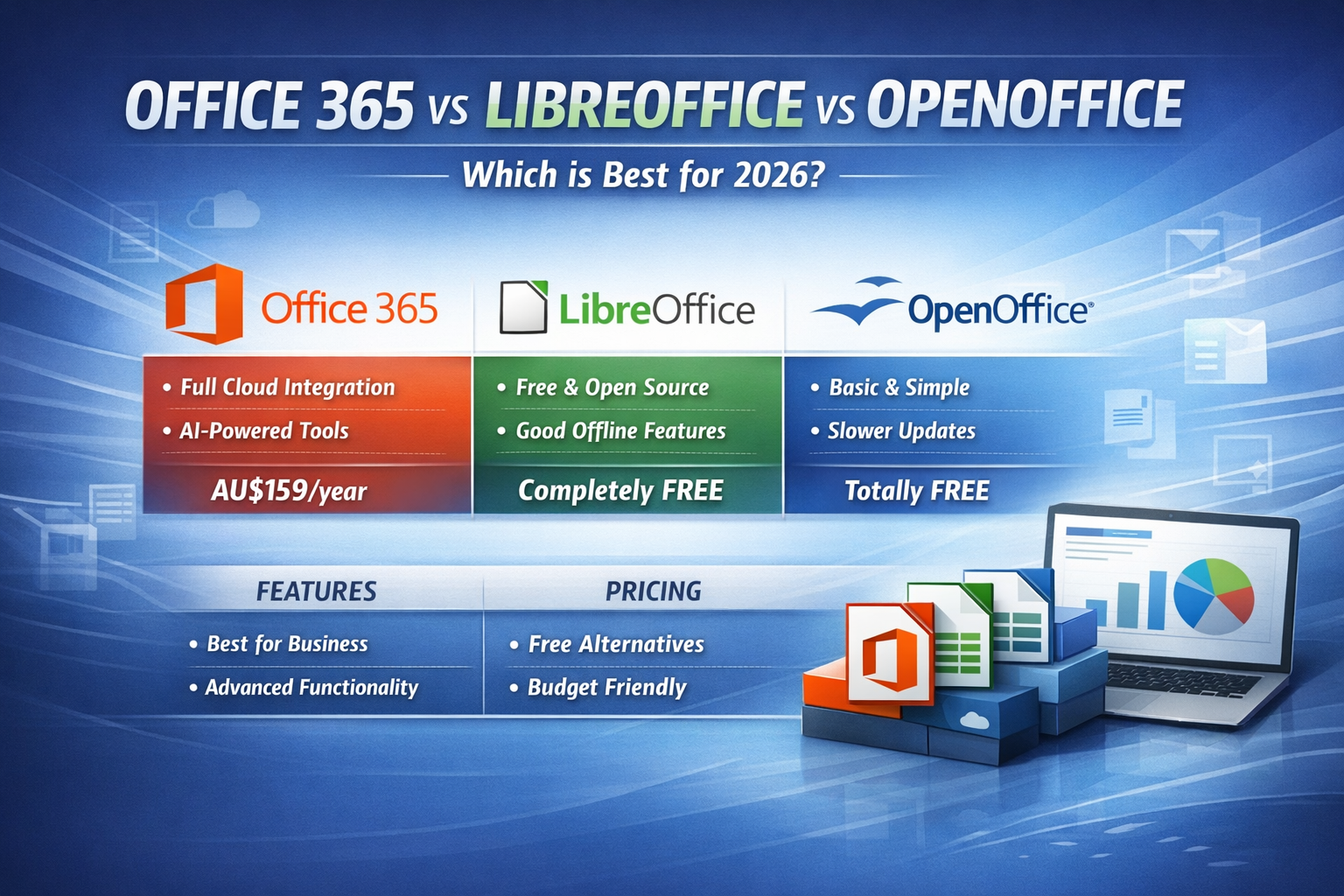
Choosing the right office suite can make a huge difference in productivity, compatibility, and long‑term cost. Whether you’re a student, home user, or small business in Nowra, the big question remains: Should you pay for Microsoft Office 365, or switch to a free alternative like LibreOffice or OpenOffice?
Here’s a clear, practical comparison to help you decide.
🧰 1. Functionality Comparison
Microsoft Office 365 (Microsoft 365)
Office 365 remains the industry standard for productivity. It includes:
-
Word
-
Excel
-
PowerPoint
-
Outlook
-
OneNote
-
Teams
-
OneDrive cloud storage
-
SharePoint (business plans)
Strengths:
-
Best compatibility with other users and organisations
-
Real‑time collaboration
-
Cloud syncing across devices
-
AI‑powered features (Microsoft Copilot, design suggestions, predictive typing)
-
Professional‑grade tools for business and education
Ideal for:
Businesses, students, remote workers, and anyone who needs seamless compatibility.
LibreOffice (Free & Open Source)
LibreOffice is the strongest free alternative, actively updated and widely used.
Includes:
-
Writer
-
Calc
-
Impress
-
Draw
-
Base
-
Math
Strengths:
-
Completely free
-
Excellent offline performance
-
Strong for basic to intermediate document work
-
Frequent updates and active community
Limitations:
-
Formatting can break when opening complex Word/Excel files
-
Limited collaboration tools
-
No built‑in cloud storage
-
No Teams‑style communication
Ideal for:
Home users, students on a budget, and anyone who doesn’t need advanced collaboration.
Apache OpenOffice (Free & Open Source)
OpenOffice was once the leading free alternative, but development has slowed dramatically.
Strengths:
-
Free
-
Simple interface
-
Good for basic documents
Limitations:
-
Very slow update cycle
-
Weaker compatibility with modern Office formats
-
Lacks many features found in LibreOffice
-
Not recommended for business use
Ideal for:
Very basic home use or older systems.
💵 2. Pricing Comparison (Australia, 2026)
Microsoft Office 365 / Microsoft 365 (Official Australian Pricing)
According to Microsoft’s Australian store:
-
Microsoft 365 Personal: AU$159/year or AU$16/month
-
Microsoft 365 Family (up to 6 users): AU$179/year or AU$18/month
-
Microsoft 365 Premium: AU$329/year or AU$33/month
Business plans (AUD):
-
Business Basic: AU$8.20/user/month
-
Business Standard: AU$17.20/user/month
-
Business Premium: AU$30.20/user/month
These plans include cloud storage, Teams, Outlook, and ongoing updates.
LibreOffice (AUD)
-
Free
-
Optional donations
-
No subscription required
Apache OpenOffice (AUD)
-
Free
-
No subscription
-
No paid features
🥇 3. Which One Should You Choose?
Choose Office 365 if you:
-
Need perfect compatibility with others
-
Work in a business environment
-
Use Teams, Outlook, or OneDrive
-
Want AI‑powered tools
-
Collaborate regularly
Choose LibreOffice if you:
-
Want a powerful free alternative
-
Mostly work offline
-
Don’t need advanced collaboration
-
Are comfortable with occasional formatting differences
Choose OpenOffice if you:
-
Only need basic document editing
-
Prefer a simple interface
-
Are using an older computer
🏁 Final Thoughts
For most customers — especially businesses, students, and remote workers — Microsoft Office 365 remains the best all‑round choice in 2026. Its compatibility, cloud features, and AI tools make it hard to beat.
However, LibreOffice is a fantastic free option for everyday home use, and OpenOffice still works for very basic tasks.
If you’re unsure which one suits your needs, drop into the shop or message us — we’re always happy to help you choose the right tools for your workflow.