
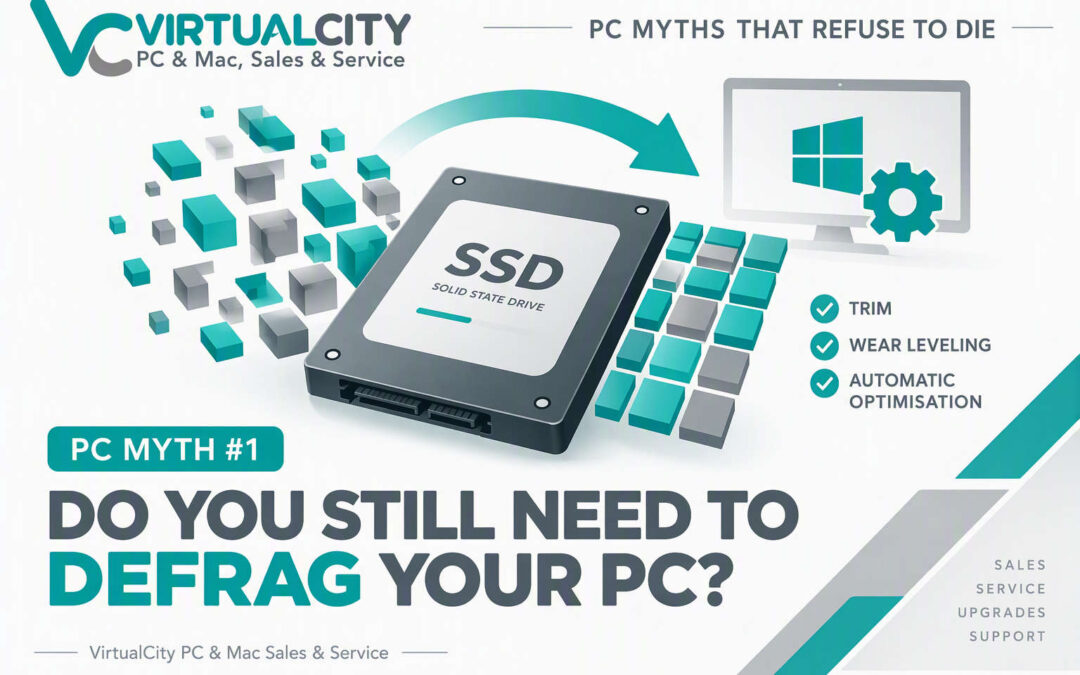
Myth #1: “Do You Still Need To Defrag Your PC?”
PC Myths That Refuse To Die
Myth: Defragmenting your PC regularly makes it faster.
Reality: If your computer uses an SSD (Solid State Drive), manual defragmentation is usually unnecessary. Modern Windows versions automatically optimise storage, and the causes of a slow PC are often elsewhere.
If You've Been Using PCs Since Windows XP, This Advice Will Sound Familiar...
For years, "defragging your hard drive" was one of the first recommendations for improving PC performance. Every computer magazine, repair technician, and tech-savvy friend had the same advice:
"Run Disk Defragmenter. It'll speed up your computer."
Back then, they weren't wrong.
But technology has changed dramatically since the days of Windows XP and spinning hard drives. Unfortunately, the advice hasn't always kept up.
At VirtualCity, we still see people running third-party optimisation tools or manually scheduling defrags on computers equipped with modern SSDs, believing it's essential maintenance. In reality, Windows has been managing storage optimisation automatically for years.
So, do you still need to defrag your PC in 2026?
For most users, the answer is no.
Where The Myth Came From
To understand the myth, we need to look at how older hard drives worked.
Traditional hard drives (HDDs) store data on spinning magnetic platters. When files become fragmented, pieces of a file are scattered across different areas of the disk.
Imagine reading a book where every page is stored in a different room of a house. It takes longer to collect and read.
The same applies to hard drives. As fragmentation increases, the drive head must physically move around the platter to access data, which can reduce performance.
Defragmentation reorganises those files into contiguous blocks, reducing movement and improving access times.
In the Windows XP era, regular defragmentation genuinely made a noticeable difference.
What's Changed?
SSDs Replaced Hard Drives
Most new computers sold today use SSDs rather than traditional hard drives.
Unlike HDDs, SSDs have no moving parts.
They can access data almost instantly regardless of where the data is physically stored.
This means the performance penalty associated with file fragmentation is dramatically reduced.
Windows Handles Maintenance Automatically
Modern versions of Windows perform storage optimisation automatically in the background.
Most users never need to manually open optimisation tools or schedule maintenance tasks.
SSDs Use Wear Levelling
SSDs intentionally spread writes across memory cells to maximise lifespan.
This process, known as wear levelling, means data constantly moves around internally anyway.
In many cases, trying to manually optimise file locations accomplishes little because the SSD controller is already making its own decisions about where data is physically stored.
But Doesn't Windows Still Defrag SSDs?
This is where things get interesting.
You'll often hear people say:
"Never defrag an SSD."
That's not entirely true.
Modern Windows systems occasionally perform limited defragmentation and optimisation processes on SSDs when required.
Windows is smarter than the old myth suggests.
Instead of assuming every storage device should be treated the same, Windows identifies the drive type and applies appropriate optimisation methods automatically.
The important takeaway is simple:
If Windows believes maintenance is necessary, it will generally handle it without your intervention.
The Real Causes Of Slow PCs In 2026
When customers visit VirtualCity looking for a speed boost, fragmentation is rarely the culprit.
More common causes include:
Too Many Startup Programs
Every application wants to launch when Windows starts.
Over time, dozens of unnecessary programs can accumulate and slow boot times significantly.
Low Free Storage Space
An SSD that's almost full can experience reduced performance.
Keeping adequate free space available is far more important than manually defragging.
Malware Or Potentially Unwanted Software
Browser extensions, bundled applications and unwanted software can have a much larger impact than fragmentation ever will.
Insufficient RAM
Running modern browsers with dozens of tabs can easily overwhelm systems with limited memory.
Ageing Hardware
Sometimes the problem isn't maintenance.
It's simply that a 10-year-old PC is being asked to perform modern workloads.
A Real-World Example From VirtualCity
We occasionally see PCs brought into our Nowra workshop because the owner believes they need a "full optimisation."
After inspection, we often discover:
- The SSD is healthy.
- Windows is functioning normally.
- Storage optimisation is already running automatically.
- The real issue is excessive startup applications, low available storage, outdated hardware, or unnecessary utility software.
In many cases, removing clutter, updating software, or upgrading RAM delivers a far greater improvement than any defragmentation tool ever could.
What Actually Helps
- Keeping Windows updated
- Maintaining free SSD space
- Managing startup applications
- Running regular security checks
- Upgrading ageing hardware when necessary
- Ensuring adequate RAM
What Usually Doesn't Help
- Running manual SSD defrags every week
- Installing third-party "speed-up" tools
- Paying for optimisation software subscriptions
- Obsessively monitoring fragmentation levels
Quick Verdict
Should You Defrag Your PC?
| Device Type | Recommendation |
|---|---|
| SSD | ❌ Usually No |
| Modern Windows 11 PC | ❌ Windows Handles It |
| Traditional HDD | ⚠️ Occasionally |
| Business Workstation | ⚠️ Depends on Workload |
Myth Rating
This advice was once correct, but for most modern PCs it is no longer relevant.
SSDs work differently from traditional hard drives, and Windows already handles
storage optimisation automatically.
The Bottom Line
Defragmentation was an important maintenance task during the era of mechanical hard drives. In 2026, most computers use SSDs, and modern versions of Windows already manage storage optimisation automatically.
If your PC feels slow, your time is usually better spent looking at startup programs, available storage, memory usage, malware checks, or hardware upgrades rather than manually running a defrag.
The advice wasn't wrong.
It's just outdated.
Need Honest PC Advice?
If your computer feels slow and you're not sure why, the team at VirtualCity can help.
We'll identify what's actually causing the problem and recommend practical solutions that improve performance, rather than selling unnecessary software or maintenance subscriptions.