
Myth #3: “RAM Boosters And Memory Optimisers”
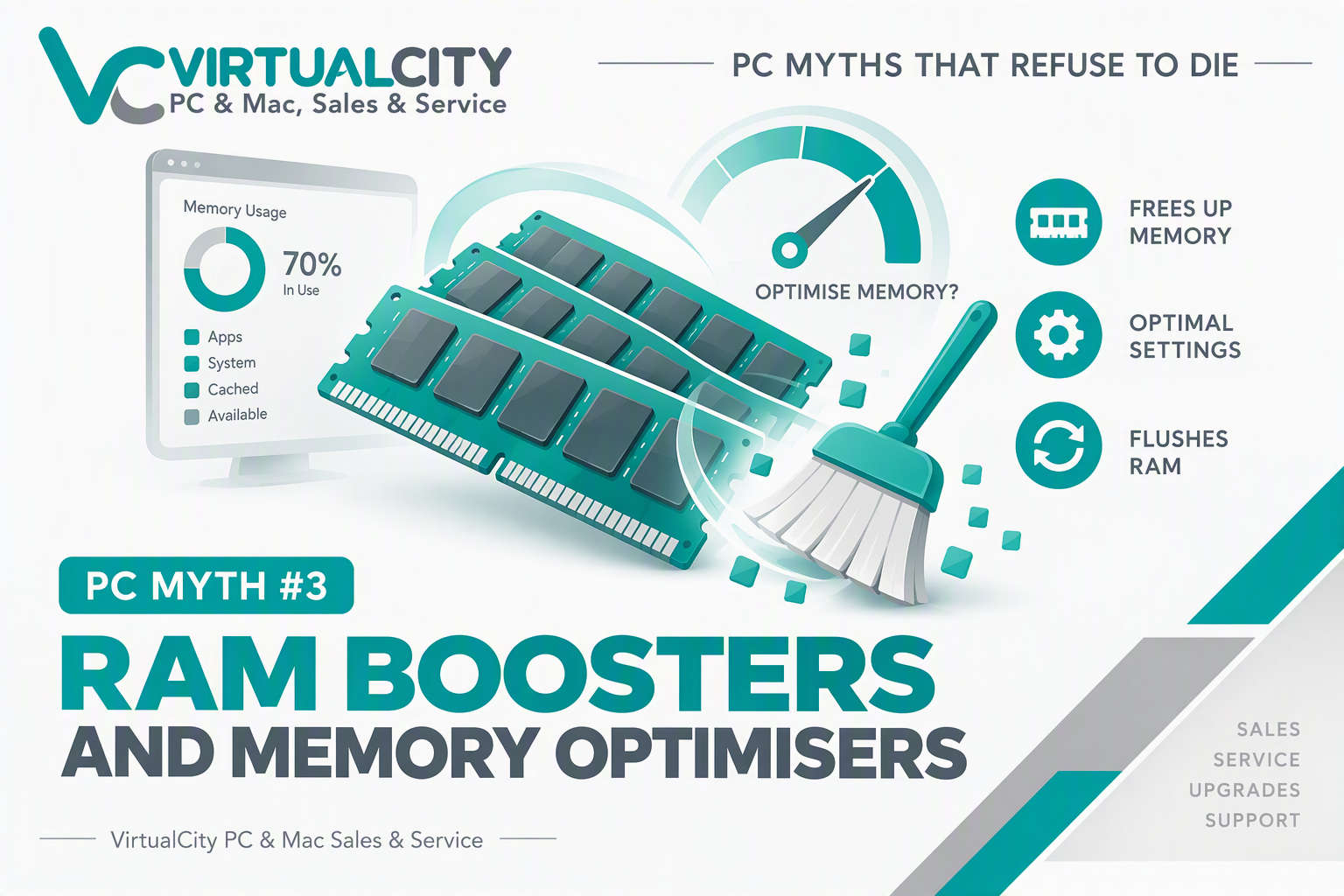
Myth: RAM boosters and memory optimiser software make your computer significantly faster.
Reality: Most RAM booster applications simply force Windows to free memory that it was intentionally using. In many cases, they can actually make your PC feel slower.
If You've Ever Seen "95% Memory Recovered!"...
You've probably encountered advertisements that claim:
"Free up RAM instantly!"
"Boost your PC's performance with one click!"
"Recover up to 2GB of wasted memory!"
It sounds impressive.
After all, if a program tells you it has freed thousands of megabytes of memory, your computer should run faster, right?
Not necessarily.
In fact, many RAM boosters rely on a misunderstanding of how modern versions of Windows manage memory.
At VirtualCity, we occasionally see customers using memory optimisation utilities because they've been told high RAM usage is a bad thing. In reality, Windows is often doing exactly what it should be doing.
What Is RAM?
RAM (Random Access Memory) is your computer's short-term working space.
Windows uses RAM to store:
- Running applications
- Open documents
- Browser tabs
- Frequently accessed files
- Cached data
The more RAM available, the more information Windows can keep readily accessible.
Think of RAM as your desk.
A larger desk lets you keep more tools within easy reach.
Having an empty desk isn't necessarily a good thing. It simply means you're not using the available space efficiently.
Where The Myth Came From
Twenty years ago, computers often shipped with:
- 256MB RAM
- 512MB RAM
- 1GB RAM
Memory was limited and expensive.
It wasn't unusual for Windows XP systems to become sluggish when running multiple applications.
As a result, numerous software companies began selling memory optimisation tools that promised miraculous performance improvements.
Some improvements were occasionally noticeable because hardware was genuinely short on resources.
Unfortunately, those marketing messages survived long after technology evolved.
How Modern Windows Uses RAM
Modern versions of Windows are designed to use available memory efficiently.
When Windows detects unused RAM, it often fills that space with:
- File cache data
- Frequently used applications
- Recently accessed information
This isn't a problem.
It's actually beneficial.
If Windows already has data stored in memory, programs launch faster and files open more quickly.
That's why you may see:
- 60% RAM usage
- 70% RAM usage
- 80% RAM usage
without experiencing any issues at all.
Unused RAM is often considered wasted RAM.
What RAM Boosters Actually Do
Most RAM optimisation programs work by forcing Windows to release cached memory.
The software then proudly displays messages such as:
"1.5GB RAM FREED!"
The number looks impressive.
But here's the catch...
Much of that memory was being used by Windows intentionally.
The operating system was caching useful information so it could be accessed quickly.
Once the optimiser flushes that cache, Windows must build it again.
The result?
Applications may actually take longer to open afterward.
The Illusion Of Performance
This is where many users become confused.
Before optimisation:
- RAM usage: 75%
After optimisation:
- RAM usage: 30%
At first glance, it appears the computer has improved dramatically.
But lower RAM usage doesn't automatically mean better performance.
Imagine emptying your entire toolbox onto the floor and putting all the tools back into storage.
Your workbench looks cleaner.
But finding the tools again takes longer.
That's exactly what many RAM boosters do.
Can RAM Boosters Be Harmful?
Some are simply ineffective.
Others can create genuine problems.
Potential issues include:
- Increased disk activity
- Slower application launches
- Reduced multitasking performance
- Background resource consumption
- Unwanted advertising
- Aggressive pop-up notifications
Some "memory optimiser" utilities also bundle additional software that provides little value.
Like registry cleaners, they often exaggerate the severity of a problem to encourage subscriptions.
A Real-World Example From VirtualCity
We regularly inspect systems where customers are concerned because memory usage appears high.
A common example is a Windows 11 PC with:
- Microsoft Edge open
- Outlook running
- Teams active
- Multiple browser tabs loaded
The user sees 75% RAM usage and assumes something is wrong.
After checking the system, we often find:
- No actual performance issues
- No memory shortages
- Windows operating normally
Installing a RAM optimisation utility doesn't improve performance.
If anything, it introduces another background process competing for resources.
We often find that customers PC's and laptops are running slow for a variety of other issues that doesn't include RAM.
What Actually Improves Performance?
If you're experiencing genuine memory problems, focus on solutions that make a real difference.
✅ Effective Solutions
- Upgrade from 8GB to 16GB RAM
- Upgrade from 16GB to 32GB RAM for heavy workloads
- Close genuinely unnecessary applications
- Reduce excessive browser tabs
- Restart occasionally
- Keep Windows updated
✅ Signs You Need More RAM
- Constant disk activity
- Applications freezing
- Frequent slowdowns when multitasking
- Browser crashes
- Memory consistently near 100%
❌ Things That Usually Don't Help
- RAM boosters
- Memory cleaners
- Memory optimiser software
- One-click optimisation suites
- Paid performance subscriptions
Quick Verdict
Should You Use RAM Boosters?
| Memory Optimisation Task | Recommendation |
|---|---|
| RAM Booster Software | ❌ No |
| Memory Cleaning Utilities | ❌ No |
| Upgrading RAM When Needed | ✅ Yes |
| Closing Unused Heavy Applications | ✅ Yes |
| Keeping Windows Updated | ✅ Yes |
| Monitoring Genuine Memory Bottlenecks | ✅ Yes |
Myth Rating
For most modern Windows PCs, RAM boosters solve a problem that doesn't exist.
The benefits are largely cosmetic, while the alleged performance improvements are often unnoticeable or temporary.
The Bottom Line
Windows is extremely good at managing memory.
High RAM usage alone is not a sign that something is wrong.
In fact, Windows often uses available memory intentionally to improve responsiveness and application performance.
If your computer genuinely needs more memory, the most effective solution is usually a hardware upgrade rather than a piece of optimisation software claiming to "free" RAM.
When it comes to RAM boosters, the biggest optimisation is often uninstalling the optimiser itself.
Need Honest PC Advice?
If your computer feels slow and you're wondering whether you need more RAM, an SSD upgrade, or a hardware refresh, the team at VirtualCity can help identify the real bottleneck.