
Myth #2: “Registry Cleaners – The Biggest Scam Still Being Sold”
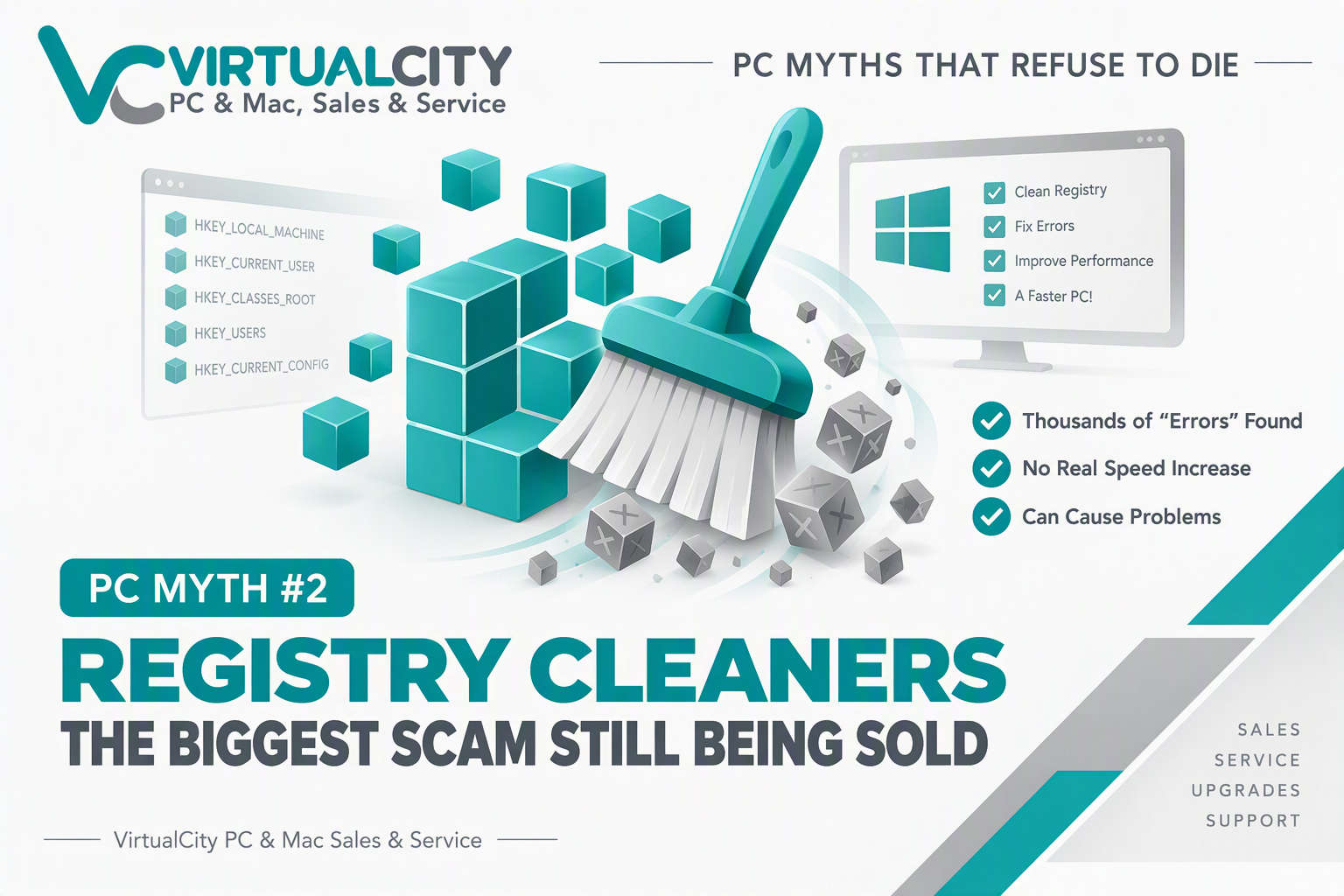
Myth: Registry cleaners speed up your computer and fix Windows errors.
Reality: In 2026, most registry cleaners provide little to no measurable performance benefit, and some can actually create new problems.
If You've Owned A PC For A While, You've Probably Seen This Warning...
"3,482 registry errors found!"
"Critical system problems detected!"
"Your PC is running 73% slower than it should!"
For over two decades, registry cleaner software has relied on scary warnings and impressive-looking numbers to convince users that their computer is full of hidden problems that desperately need fixing.
The solution?
Usually a paid subscription.
At VirtualCity, we've seen countless computers arrive in our workshop after a registry cleaner has removed entries, altered settings, or promised miracle performance improvements that never materialised.
The reality is that registry cleaners are solving a problem that largely doesn't exist on modern versions of Windows.
What Is The Windows Registry?
The Windows Registry is essentially a massive database that stores settings and configuration information for:
- Windows itself
- Installed software
- Hardware devices
- User preferences
- Security settings
Every time you install software, connect hardware, or change settings, information is stored in the registry.
Over time, some outdated entries may remain after software is removed.
This is normal.
And despite what registry cleaner marketing suggests, these leftover entries generally have no noticeable impact on performance.
Where The Myth Came From
Back in the days of:
- Windows 95
- Windows 98
- Windows ME
- Early Windows XP
the registry was smaller, less resilient, and occasionally more susceptible to corruption.
Computers also had:
- Slow processors
- Mechanical hard drives
- Limited RAM
Because resources were scarce, keeping systems tidy sometimes offered small improvements.
As software companies searched for products to sell, registry cleaners emerged as an easy marketing opportunity.
Users couldn't easily verify whether thousands of "errors" were genuine.
So software vendors created alarming reports and claimed dramatic speed boosts.
The formula worked.
Unfortunately, the marketing survived long after the technical justification disappeared.
What's Changed?
Modern Windows is significantly more advanced than the operating systems registry cleaners were originally designed for.
Windows 10 and Windows 11 are:
- More stable
- More resilient
- Better at handling unused registry entries
- Better at recovering from issues
- Better at managing system resources
An unused registry entry doesn't consume meaningful processor power.
It doesn't constantly slow your SSD.
And it usually doesn't affect the day-to-day performance of your PC.
Think of it like an old filing cabinet.
Having a few outdated folders inside doesn't stop you opening the drawer.
The Scare Tactics Registry Cleaners Use
One of the biggest red flags is the way registry cleaners present information.
Many programs will claim:
- 2,000 errors found
- 5,000 issues detected
- 10,000 problems discovered
The numbers sound frightening.
But what are they actually counting?
Often they're simply identifying:
- Unused file associations
- Obsolete software references
- Old uninstall entries
- Minor configuration remnants
These aren't necessarily "problems."
In many cases they're completely harmless.
The software simply labels them as errors because scary statistics help sell subscriptions.
Can Registry Cleaners Cause Problems?
Absolutely.
This is where the real risk lies.
The registry is central to Windows operation.
If a cleaner incorrectly removes an entry, you may experience:
- Software failing to launch
- Broken file associations
- Missing Windows features
- Update failures
- Unpredictable system behaviour
The irony is that software marketed as a repair tool can sometimes create the very problems it claims to solve.
A Real-World Example From VirtualCity
A customer recently brought in a Windows PC that had become unstable shortly after running multiple optimisation tools.
The software had reported thousands of registry issues and encouraged repeated cleaning.
The result?
Several Windows settings had been altered, software was behaving unpredictably, and there was no measurable performance improvement.
Once the unnecessary utilities were removed and the system was properly checked, the computer performed normally without any ongoing registry cleaning.
This is a common story.
The cleaner reports success.
The user notices little difference.
The software recommends another scan.
The subscription renews.
What Actually Improves Performance?
If your computer feels slow, focus on things that genuinely matter:
✅ Effective Performance Improvements
-
Keeping Windows updated
-
Removing unwanted startup programs
-
Maintaining adequate SSD free space
-
Scanning for malware
-
Updating essential drivers
-
Adding more RAM when needed
-
Replacing an ageing hard drive with an SSD
-
Upgrading outdated hardware
❌ Things That Usually Don't Help
- Registry cleaners
- One-click optimisation suites
- Automatic "PC repair" tools
- Software promising hundreds of performance fixes
- Utilities claiming thousands of errors
Quick Verdict
Should You Use Registry Cleaners?
| Registry Cleaner Task | Recommendation |
|---|---|
| Cleaning Thousands of "Errors" | ❌ No |
| Paying for Registry Cleaning Software | ❌ No |
| Backing Up Important Data | ✅ Yes |
| Keeping Windows Updated | ✅ Yes |
| Upgrading to an SSD | ✅ Yes |
| Proper PC Maintenance | ✅ Yes |
Myth Rating
Registry cleaners exist largely because the myth survives, not because modern Windows systems need them.
For the vast majority of users, they provide no noticeable speed increase while introducing unnecessary risk.
The Bottom Line
Registry cleaners aren't fixing a major modern Windows problem.
The average Windows 11 computer will gain little to no performance improvement from removing thousands of registry entries.
In many cases, the software is simply using large numbers and alarming messages to convince users they have a problem that needs solving.
If your PC is slow, the solution is rarely hidden inside the registry.
It's usually found in outdated hardware, excessive startup programs, malware, low storage space, or insufficient memory.
Focus on real maintenance, not marketing promises.
Need Honest PC Advice?
If your computer is running slowly and you're not sure what's actually causing it, the team at VirtualCity can help identify the real issue without unnecessary software subscriptions or gimmicks.