Remote Access Scams Are Rising — Here’s How to Stay Protected
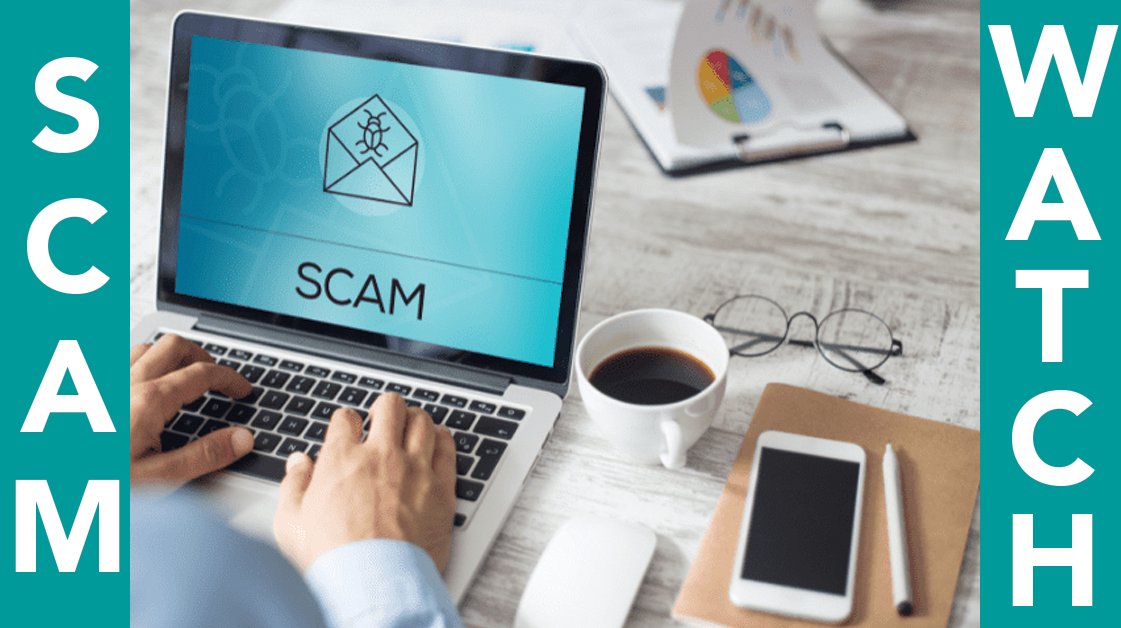
One of the fastest‑growing scams in Australia right now involves criminals trying to gain remote access to a customer’s computer. These scammers often pretend to be from Telstra, NBN, Microsoft, or a bank, claiming there’s a problem with your internet or account.
How the Scam Works
Scammers will:
-
Call unexpectedly
-
Claim your device is infected or your bank account is at risk
-
Ask you to install remote access software
-
Attempt to access your online banking
Once inside your computer, they can see everything you type — including passwords.
How 2FA Helps Protect You
If you have two‑factor authentication (2FA) enabled with your bank, you’re already one step ahead. Even if a scammer gains access to your device, they still can’t log in without the unique code sent to your phone or authenticator app.
2FA can:
-
Block unauthorised logins
-
Prevent fraudulent transfers
-
Give you time to recognise something is wrong
-
Stop scammers even if they have your password
Golden Rule
No legitimate company will ever ask for remote access to your computer out of the blue. If in doubt, hang up and call the company they say they are from directly.
VirtualCity is always happy to check your device in‑store if you’re unsure.