
Are You Using the Same Password for Everything?
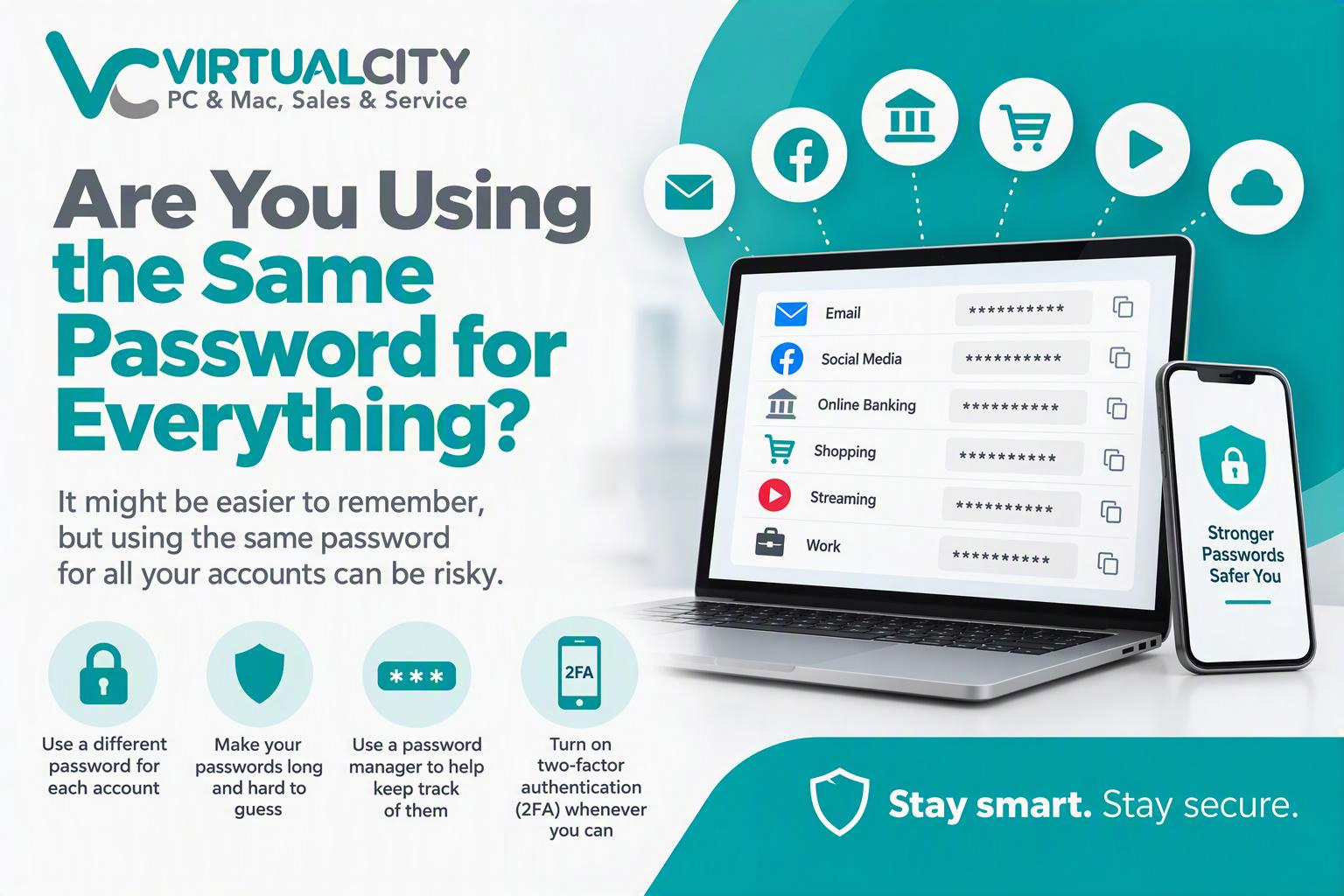
If you're using the same password for multiple accounts, you're not alone. It's convenient, easy to remember, and saves time. Unfortunately, it's also one of the biggest security risks facing everyday internet users.>/p>
Think about how many accounts you have today. Email, Facebook, Instagram, online banking, streaming services, shopping websites, government portals, work accounts, and more. If they all share the same password, a single security breach could give cybercriminals access to your entire digital life.
The Domino Effect of Password Reuse
When a website suffers a data breach, usernames and passwords can end up being sold or shared online. Cybercriminals know that many people reuse passwords, so they often try the stolen credentials on other popular services.
This means a password leaked from a small online store could potentially be used to access your:
- Email account
- Social media profiles
- Cloud storage
- Online shopping accounts
- Financial services
- Business platforms
What started as one compromised account can quickly become a much larger problem.
Simple Ways to Protect Yourself
The good news is that improving your online security doesn't have to be complicated.
Use a Different Password for Each Account
Every account should have its own unique password. This ensures that if one account is compromised, the damage is limited to that account alone.
Think of it like having different keys for your house, car, and office. You wouldn't use the same key for everything, and the same principle applies online.
Make Passwords Long and Difficult to Guess
Strong passwords are your first line of defence.
A secure password should:
- Be long (12+ characters is a good start)
- Contain a mix of letters, numbers, and symbols
- Avoid names, birthdays, or common words
- Not use predictable patterns such as "Password123"
Better still, consider using a passphrase made up of several random words. They're often easier to remember and harder for attackers to crack.
Use a Password Manager
Remembering dozens of unique passwords is nearly impossible for most people.
A password manager securely stores your passwords and can generate strong, random passwords for every account. Instead of remembering dozens of passwords, you only need to remember one master password.
Many password managers can also:
- Fill passwords automatically
- Alert you to compromised credentials
- Sync across your devices
- Store important security information safely
Tuen On Two-Factor Authentication (2FA)
Two-factor authentication adds an extra layer of protection.
Even if someone discovers your password, they still need a second verification method, such as:
- A code sent to your phone
- An authentication app
- A security key
This extra step dramatically reduces the chances of someone accessing your account without permission.
Don't Wait Until It's Too Late
Many people only think about password security after an account has been compromised. By making a few small changes today, you can significantly reduce your risk of becoming a victim of cybercrime.
Creating unique passwords, using a password manager, and enabling two-factor authentication are simple steps that can make a BIG difference to your online security.
Stay Smart. Stay Secure.
At VirtualCity, we regularly help customers recover compromised accounts, remove malware, and strengthen their online security. If you'd like advice on improving your digital security or setting up password management and 2FA, we're here to help.
A few minutes spent securing your accounts today could save you hours of stress tomorrow.